When authenticating with a smart card, the impersonation and log in as...features are not available.
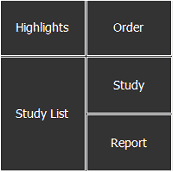
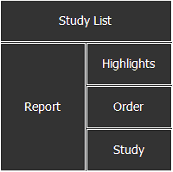
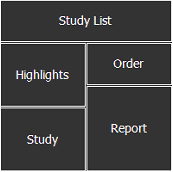
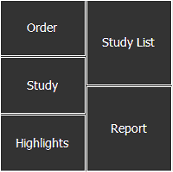
The Text area displays study, order, and report information. Its main panels are Study Highlights, Study List, Order, Study, and Report. You can define the arrangement of the Study Highlights, Study List, Order, Study and Report panels.
To customize the Text area layout
If setting preferences for other users, impersonate the user or role, or log in as the user.
In the Text area, right-click any panel bar and select Configure Layout.
Select the appropriate Text area layout, as outlined below.
When the Text area layout is selected, in the Configure dialog, click OK.
The selected layout is displayed in this and future sessions.