If you frequently refer to a particular Knowledge Base topic, you can bookmark it to locate it more quickly.
To bookmark a Knowledge Base page
Display the page to bookmark.
Click Bookmark page.

In the Add Favorite dialog, select the folder to save the bookmark in and click OK.

Note:
Bookmarking this way works only in Internet Explorer. To bookmark pages in Firefox, use the browser Bookmark feature.
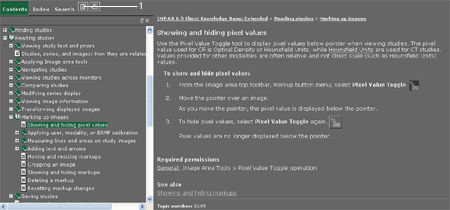
1 - Bookmark page button