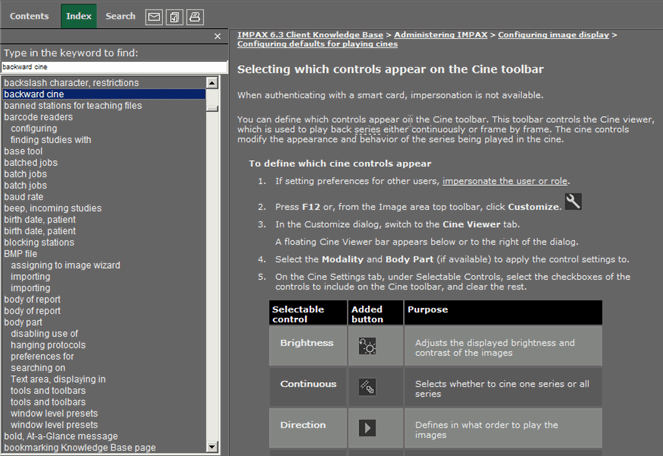
The Knowledge Base Index presents an alphabetical, two-level list of keywords that link to related topics, much like a page number index at the back of a printed book. You can use the Index to find specific topics.
To find Knowledge Base topics by index keyword
In the navigation pane, click Index.
Scroll down the full Index list to find a keyword of interest.
or
In the keyword field, type the word to look up.
As you type, notice that the list of Index terms automatically scrolls accordingly (if it finds a match). Therefore, you often do not have to type the entire word.
In the Index list, click a keyword of interest.
Either a related topic is displayed, or a context window listing various topics opens.
If a context window opens, select the topic of interest.