You can print hard copies of individual topics in a Knowledge Base. No facility exists for printing the entire Knowledge Base in one command.
To print Knowledge Base topics
Display the Knowledge Base page to print.
Click Print topic.


Note:
If you use the browser File > Print command instead of the Print topic button, you may find the table of contents printing instead of the topic.
The standard browser Print dialog opens.
In the Print dialog, select the print options to use and click Print.
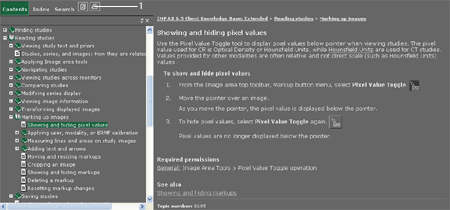
1 - Print topic button
 | Tip: When printing from Internet Explorer, an image that spans a page break is cut off. To print the entire image, try using a different browser, such as Mozilla Firefox. |