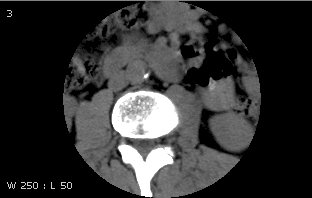
Use the User Profile tab of the Customize dialog to define whether patient demographics are displayed by default in the Image area.
To show patient demographics by default
If setting preferences for other users, impersonate the user or role.
Press F12 or, from the Image area top toolbar, click Customize.

In the Customize dialog, switch to the User Profile tab.
To show patient demographics by default, under Startup Defaults, select the Display demographics checkbox.
or
To hide them by default, clear the checkbox.
To save the changes and close the Customize dialog, click OK.
Current demographic display is not changed. Studies opened for display in the future will use the selected demographic display option by default. The Demographics Toggle tool can then be used to display and hide demographics.
Demographics displayed
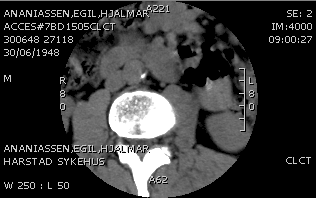
Demographics hidden