Use the Rotate Left tool to rotate images 90 degrees to the left. If you apply Rotate Left more than once, the images are rotated from the current position, not the original position.
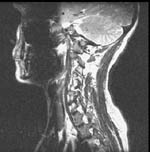 |
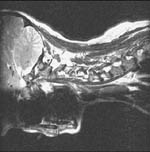 |
| Original position | Image rotated 90° to the left |
To rotate images 90° to the left
If necessary, select the images or series to rotate.
From the Image area top toolbar, Geometry button menu, select Rotate Left.

If necessary, change the scope to image, series, or study.
Click an image to rotate.
The image or images are rotated 90 degrees to the left. A left arrow symbol appears to the right of the image.